- What are the best Jackrabbit Class alternatives?
- The Jackrabbit Class alternatives gymnastics gyms compare most often in 2026 are ProgramChamp (modern admin, flat $69/month, gymnastics progressions, parties, and free migration), iClassPro (the closest like-for-like rival for gymnastics and cheer), Amilia SmartRec (multi-activity recreation catalogs), and Sawyer (marketplace-style discovery). The best fit depends on whether you want operator-owned gymnastics workflows, a Jackrabbit-style depth swap, parks-and-rec breadth, or marketplace growth.
- What is a Jackrabbit alternative?
- A Jackrabbit alternative is class management software that can replace Jackrabbit Class for online registration, family accounts, billing, and day-to-day class operations. For gymnastics gyms, ProgramChamp is a Jackrabbit alternative focused on modern admin, flat pricing, gymnastics progressions, parties, and migration help from Jackrabbit exports.
- What is a Jackrabbit Class alternative for gymnastics gym registration software?
- A Jackrabbit Class alternative for gymnastics gym registration software is a system that handles online enrollment, family accounts, billing, and rosters for rec, team, camps, and parties, usually with a simpler day-to-day admin load. ProgramChamp is built for that owner-operator profile and includes migration help from Jackrabbit exports.
- Why do studios leave Jackrabbit Class?
- Studios and gymnastics gyms commonly leave Jackrabbit Class because the interface feels dated, branding and workflow customization are limited, per-student pricing grows with enrollment, and gymnastics progressions, parties, or private lessons feel bolted on. Support and registration reliability are rarely the complaint. Fit for a modern front desk is.
- What should I look for when evaluating a Jackrabbit alternative?
- Start with online registration, payments, mobile-friendly parent checkout, and rosters you can run between classes. Then check gymnastics progressions, party booking, reporting filters, reminder automation, flat vs per-student software pricing, and whether migration help is included. Demo with a real Jackrabbit export sample before you commit.
- How much does Jackrabbit Class cost?
- Jackrabbit Class typically prices by active student count, so the monthly bill rises as enrollment grows. Public roundups often cite tiers that climb into the low-to-mid hundreds per month for larger programs, with no permanent free plan. Confirm Jackrabbit's current quote for your student count. ProgramChamp publishes flat software pricing at $69/month with no per-student software fees and a free 30-day trial.
- Is there a free Jackrabbit Class alternative?
- Most Jackrabbit Class alternatives offer a time-limited trial, not a permanent free plan. ProgramChamp includes a free 30-day trial with no credit card required, then flat $69/month software pricing with no per-student fees. If budget is the main reason you are shopping, compare trial length, migration cost, and whether pricing stays flat as you grow.
- Is ProgramChamp easier to use than Jackrabbit Class for small gymnastics gyms?
- Many owners look for a Jackrabbit Class alternative because the interface feels dated or spreadsheet-like and simple tasks take too many clicks. ProgramChamp uses a modern staff admin and branded parent checkout, with a free trial so your team can learn the workflows instead of a long configuration project.
- Does ProgramChamp improve reporting and gymnastics progressions versus Jackrabbit Class?
- ProgramChamp includes filterable revenue, retention, funnel, and attendance reports, plus scheduled summary emails. Gymnastics progressions live on the class roster with move-up flags, parent portal athlete progress, and printable PDF reports. It is not a freeform custom report builder that invents every Jackrabbit report type.
- What is the best Jackrabbit Class alternative for small gymnastics studios?
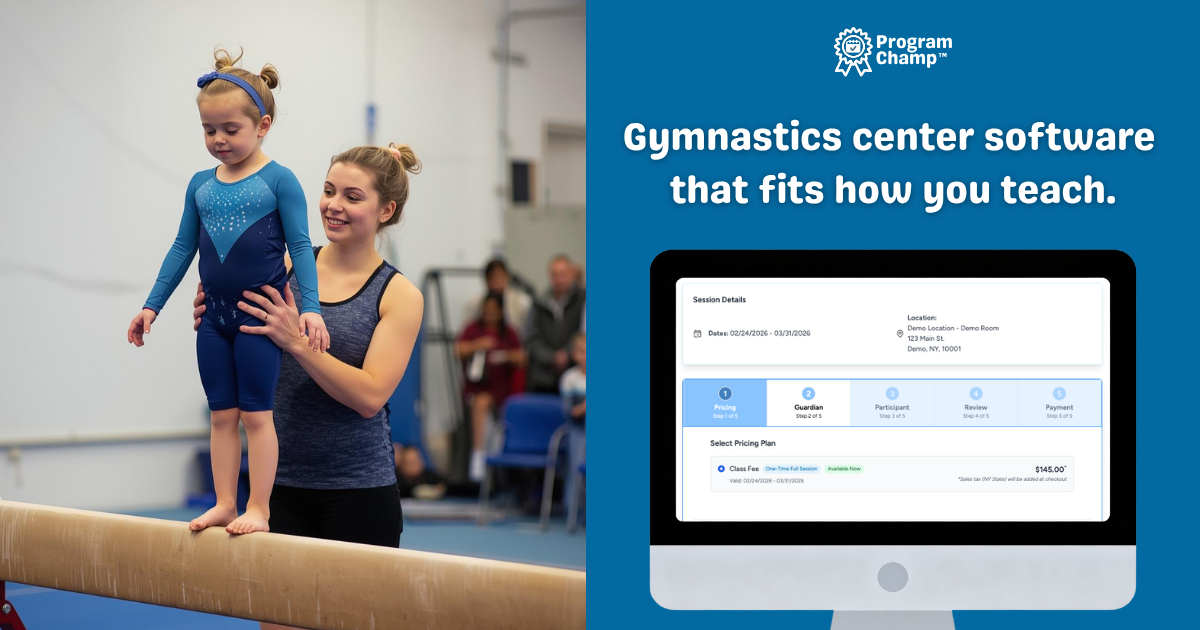
- The best Jackrabbit Class alternative depends on gym size and admin style. Many small studios compare ProgramChamp when they want gymnastics studio software with gymnastics progressions, built-in party booking, flat pricing, and done-for-you migration instead of a longer configuration project.
- When is Jackrabbit Class still the right choice?
- Stay with Jackrabbit Class if your staff already knows it well, your per-student bill is still comfortable, and you rely weekly on deep curriculum or reporting workflows that your shortlist does not match in demos. Switching cost is only worth it when daily friction, pricing growth, or missing gymnastics workflows clearly outweigh familiarity.
- How do I switch from Jackrabbit Class to another gymnastics software program?
- Start with an export from Jackrabbit, map your active families and enrollments, and pick a cutover weekend before your next billing cycle. ProgramChamp includes done-for-you migration from Jackrabbit so you are not rebuilding rosters by hand.
- Can I migrate my data from Jackrabbit Class?
- Yes. ProgramChamp imports families, participants, enrollments, and historical class history from Jackrabbit exports. Saved payment cards do not transfer; families add payment methods fresh in ProgramChamp, and cutover tooling helps you avoid double billing.
- Does ProgramChamp include gymnastics class management software features?
- Yes. ProgramChamp covers class scheduling, capacity and waitlists, session billing, coach assignment on each class session, private lesson programs, gymnastics progressions, attendance from the roster, automatic class and payment reminders, parent messaging, and optional gym birthday parties in one gymnastics class management software workflow.