
Music School Software Guide: Scheduling, Management & What to Look For (2026)
Updated March 19, 2025
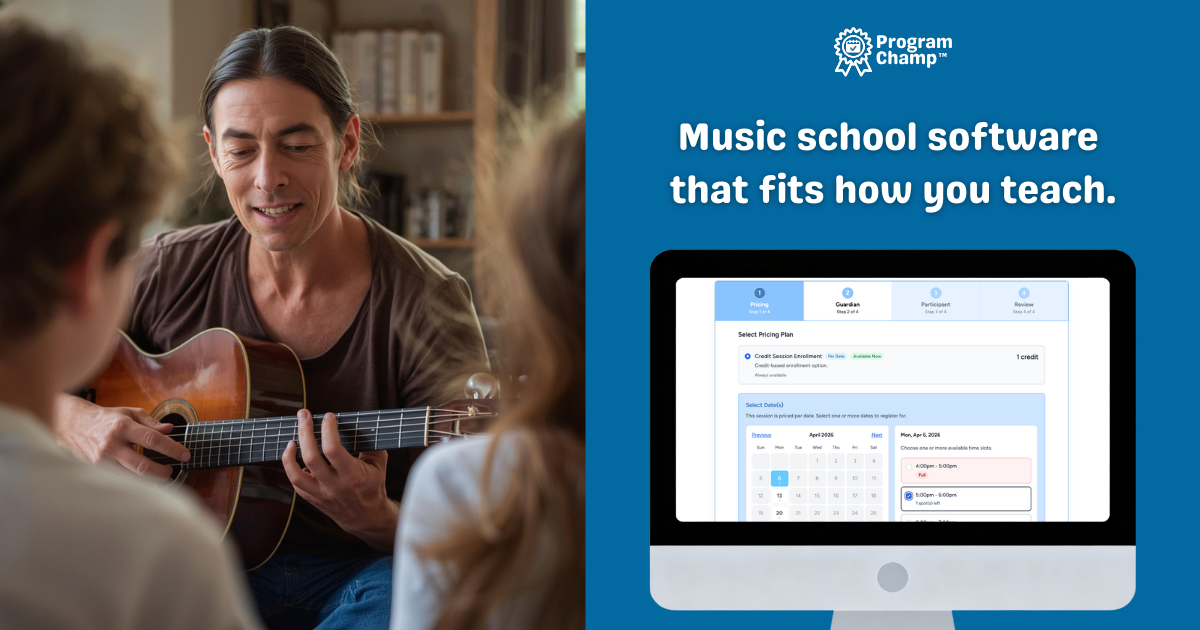
You did not open a music school to spend Sunday nights working out who paid for June. But if lessons live in a calendar app, tuition in Venmo, and rosters in a spreadsheet, that is exactly where your evenings go. Music lesson scheduling software and music school management software are really the same purchase for a small studio: one system that runs standing weekly lessons, registration, billing, parent messaging, and (if you need it) birthday parties — without you acting as the human glue between four tools.
Why a calendar app is not enough
Calendly, Acuity, and Google Calendar are built for one-off appointments. Your business is the opposite. Student A has piano every Tuesday at 4. Student B has guitar every Thursday at 5. Same people, same times, September through June. Rebuilding those as individual calendar events and then chasing who paid is the manual work that eats your week. Purpose-built music school software (also searched as piano lesson scheduling or recurring lesson scheduling software) treats the recurring lesson as the default.
What actually matters in management software
Skip the 200-feature checklists aimed at franchises. For a small or mid-sized studio, these are the parts that give you time back:
- Recurring weekly lessons. Define day, time, teacher, and student once; the system runs forward.
- One account per family. A parent with three kids registers, pays, and manages everyone in one login.
- Billing that stops the chase. Recurring tuition and online payments so “did they pay?” is not a weekly ritual.
- Rosters, attendance, and messaging in the same place you already work.
- Reschedules and makeups handled inside the tool, because life happens mid-semester.
- Level and progress tracking families can see — visible progress toward the next book or recital is a quiet retention win.
Red flags that cost you later
- Per-student fees. You get punished for growing. Look for flat or staff-based pricing.
- Generic appointment tools. You will fight them every week over recurring lessons.
- Tool sprawl. If scheduling, payments, and messaging need three logins, you are back to juggling.
- Hidden costs. Setup fees, long contracts, or murky processing rates. Know the number before you commit.
If you also host birthday parties
Many studios rent the room for kids’ parties on weekends. Deposits, guest counts, and start times should not live in email while lessons live somewhere else — that is how you double-book a room. ProgramChamp™ includes birthday party booking on the same calendar as lessons, with online deposits and one payments flow.
Switching from another system? That is the easy part
Most owners stay put not because their current tool is great, but because moving everyone over sounds like a nightmare — and they have heard horror stories about families getting double-billed while two systems overlap.
We do the move for you. If you are on My Music Staff, Jackrabbit, Jumbula, or spreadsheets, send standard exports and we import families, students, and lesson history so day one looks familiar. Importing never creates a charge or recurring plan, so nobody gets billed twice during the switch. You can run both systems until you are ready to flip. See music school software.
How ProgramChamp™ fits
ProgramChamp™ is built for lesson-based schools: recurring lessons are the default, one account covers a whole family, and registration, payments, rosters, attendance, and messaging live in one system — with party booking in the same product if you need it. Pricing is per staff login, not per student, so a busy semester never inflates your software bill. The same recurring-schedule problem shows up at art schools and gymnastics centers too. If you are tired of juggling three tools, start a free 30-day trial. Most schools are up and running in under an hour.
Run your classes, camps, and parties with ProgramChamp™
Registration, scheduling, waivers, and parent accounts in one place — and we move your existing data across for you when you switch.