
Birthday parties on the same calendar as classes
Take party inquiries, deposits, and booked parties without a second tool. Gym birthdays sit beside rec classes and camps in one admin workflow.

Switching from iClassPro
iClassPro is a mature platform many gymnastics centers know well. Growing gyms still look for gymnastics class software with a lighter admin load, clearer parent checkout, and party booking in the same system as classes and camps.
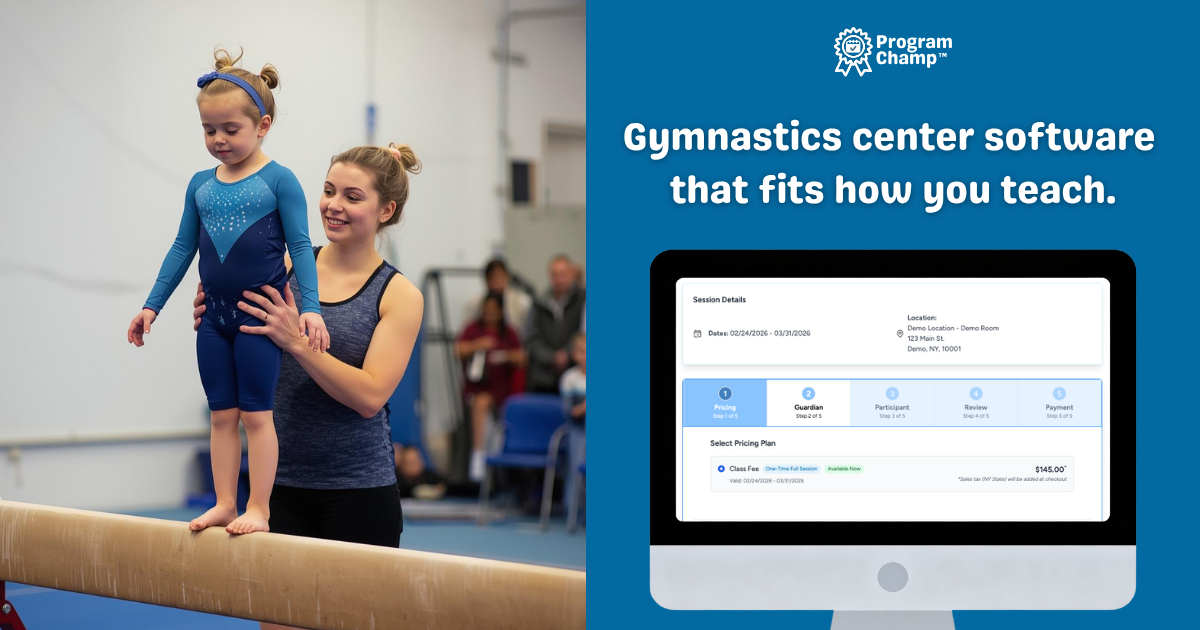
iClassPro is a platform many gymnastics gyms already know. Owners looking for an iClassPro alternative often still like iClassPro's depth, but want a calmer admin week, clearer parent checkout, and party booking that does not require another vendor.
That search shows up when setup feels heavier than the gym needs, when only one staff member understands the system, or when you are paying for breadth you never use in rec and team programs.
ProgramChamp is gymnastics class software for growing gyms that want session billing, gymnastics progressions, parent accounts, and migration help from iClassPro exports. Think of it as a focused gymnastics software program for owner-operators, not a second full-time admin job.
$69/month · no per-student fees · 30-day trial, no credit card required
Included at no extra cost
Send standard exports from iClassPro. ProgramChamp imports guardians, students, enrollments, and history so you are not rebuilding rosters by hand.
Keep depth where it matters for rec and team. Cut the configuration overhead that only one staff member understands.
Take party inquiries, deposits, and booked parties without a second tool. Gym birthdays sit beside rec classes and camps in one admin workflow.
Session billing, recurring tuition, waitlists, staff seats, and two-way parent messaging tied to each family. Built for owner-operators who run the gym between classes.
The hardest part of changing software isn’t learning a new screen. It’s moving years of families and enrollments without running two systems forever. ProgramChamp™ imports your gym’s data from your existing Jackrabbit, iClassPro, Jumbula, or Class Juggler export, so you start with your people already in place, not a blank screen. Read our Jackrabbit and iClassPro migration checklist
Guardians, participants, and siblings import into the right household accounts, so parents aren’t recreated from scratch and your rosters look familiar on day one.
Bring current enrollments and multiple years of class history across, along with medical and emergency notes, so you and your parents keep the record you’ve built.
When your old system can export roll-call or attendance reports, we import that history too, matched to the families and classes you bring over. It never affects live billing or capacity.
Import installment and autopay schedules as inert placeholders so staff see who owes what. Families add payment methods fresh in ProgramChamp™. We cannot move saved cards from Jackrabbit, iClassPro, or similar systems. Cutover tooling helps you avoid charging twice.
Send us your standard roster, enrollment, attendance, and billing exports and we’ll run the migration and walk you through setup. No logins to your old system required.
A fair look at common gymnastics workflows. We only list iClassPro capabilities we can verify publicly; confirm details that matter to your gym before you switch.
| Feature | iClassPro | ProgramChamp |
|---|---|---|
| Built for gymnastics center workflows | Broad youth-activity feature set; depth can mean more configuration | Focused on gymnastics rec, team, camps, parties, and gymnastics progressions |
| Online registration experience | Established registration flows; confirm parent checkout for your programs | Branded pages with straightforward enrollment for classes and camps |
| Parent and family accounts | Family accounts supported | One guardian account for siblings in different levels or teams |
| Class scheduling and capacity | Scheduling and capacity tools available | Level-based sessions, waitlists, and rosters tied to online registration |
| Payments and billing | Billing features vary by plan; confirm pricing and add-ons | Session billing, installments, and flat 30-day trial before you subscribe |
| Gymnastics progressions | Progress tracking may be available; confirm for gymnastics skill cards | Gymnastics progressions from the roster with move-up flags; optional editable curriculum starters for rec tumbling or event-based levels |
| Birthday party bookings | Not typically the primary focus; confirm party workflow support | Birthday party booking included with packages, add-ons, and deposits |
| Private lessons | Private lesson scheduling supported in many accounts | Private lessons alongside group classes in one system |
| Data migration support | Export options available; you coordinate the move | Done-for-you import from iClassPro exports with cutover help |
| Ease of use for owner-operators | Feature-rich; smaller teams may need a power user | Simpler day-to-day admin for owner-operators between classes |
If you are comparing iClassPro alternatives, start with demos and migration clarity, not a feature checklist you will never use.
Read more on our About ProgramChamp page.
Watch the demo or start a free trial. ProgramChamp can import your iClassPro export. Explore our gymnastics gym registration software hub.
Also evaluating other platforms? Jackrabbit alternative, Amilia alternative